Temporary change #ArchLinux to #Debian
Update Jan 15th 2015: I’m back on Arch Linux. Debian was great, but Arch is better, for now. Between the front page news, Arch Wiki and the official forum, nothing is impossible to solve or find an existing solution to. I use Terminator (terminal windows can be split as many times as needed) for ssh access to servers and sometimes use drop-down Yakuake for quick stuff or local bash. After that, I just jump between Chrome and Firefox for the most part …so my needs are pretty simple.
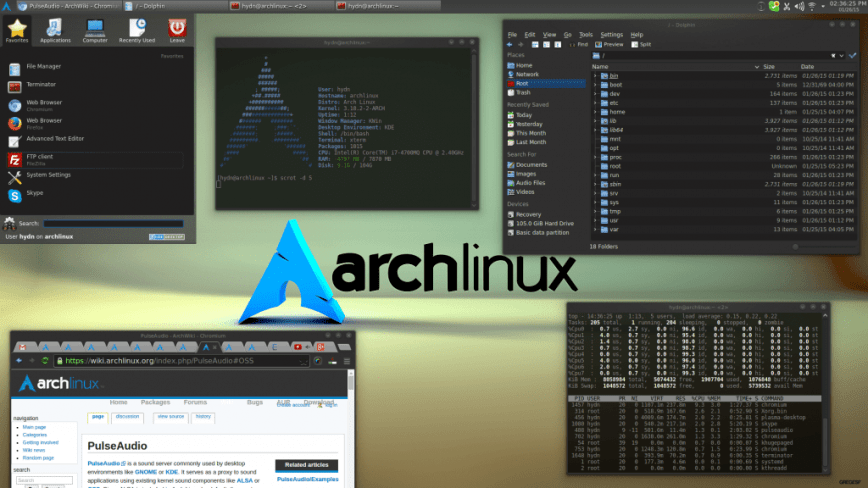
Starting the year with a new setup, Debian instead of Arch Linux. I’ve had no issues with Arch, but have become bored with it. Its nice starting from scratch because you learn and pick up so much about the best and most popular setups and applications. For example, over the past 2 years I’ve changed from XFCE4 to KDE4, using yakuake much more instead of launching Terminator for everything, switched to UEFI boot with Gummiboot instead of Grub2 or Syslinux and more recently using Kate instead of Medit. So basically with my revisit to KDE4 I’ve found it more capable and satisfying with it’s default set of apps than a few years back. I’m on a capable laptop otherwise Xfce4 would be the better option.
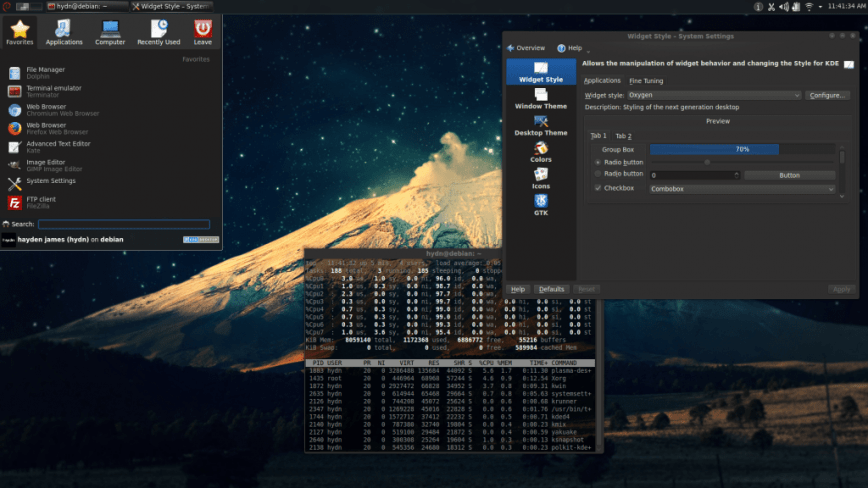
In the end, when I do go back to Arch (if I do), it will be a completely different build just because of what I’ll find/learn over the next few months using Debian. What Linux distribution are you using primarily? What about DE’s, text editors, terminals, ftp clients, etc?
Also see: Choosing the Best Linux Distro.